
How to Protect Your Smartphone from AI-Powered Cyberattacks
Learn how to secure a smartphone against AI-powered cyberattacks. Discover practical tips to detect phishing scams, protect personal data, strengthen device security, and stay safe online.
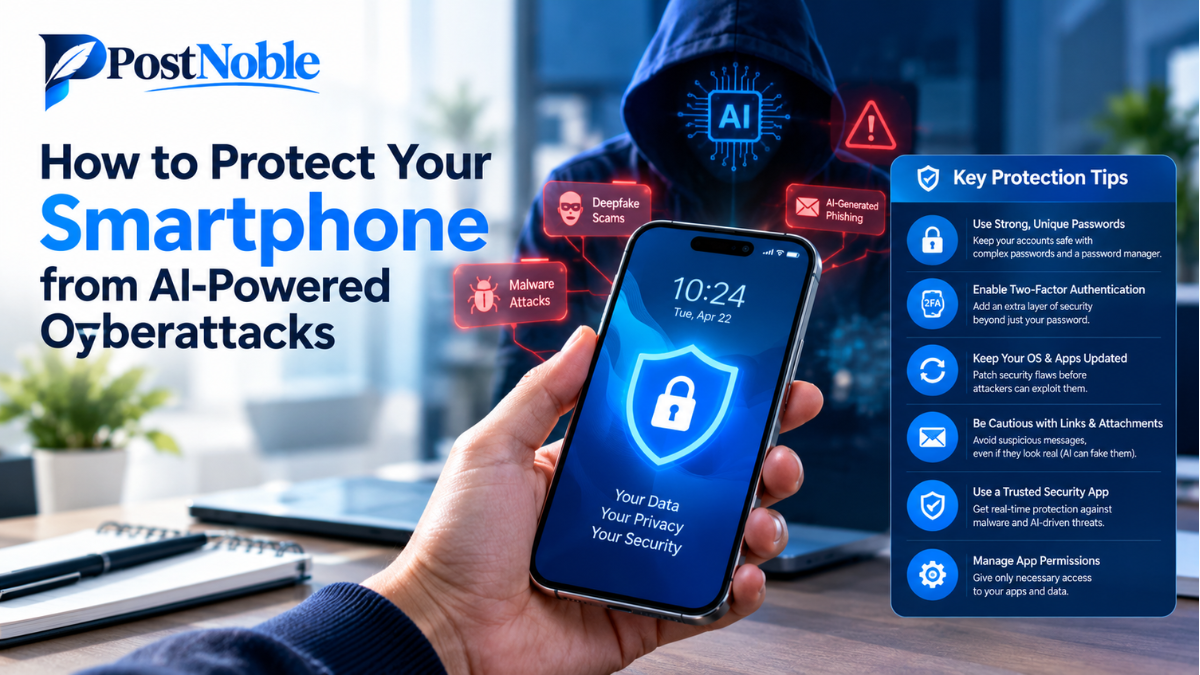
Smartphones have become an essential part of everyday life. We use them to make payments, access social media, store personal photos, check emails, and manage important work. However, as technology advances, cybercriminals are also finding new ways to attack mobile devices. Artificial intelligence (AI) is making some of these attacks faster, more convincing, and harder to recognize.
A suspicious message that once contained obvious spelling mistakes may now look like a genuine bank notification. A fake voice call might sound like someone you know, while malicious links can be designed to appear more believable. These risks make smartphone security more important than ever.
The good news is that you do not need to be a cybersecurity expert to protect your device. By understanding AI-powered mobile security threats and following a few practical habits, you can reduce your risk significantly.
In this guide, PostNoble explains how to protect your smartphone from AI-powered cyberattacks and keep your personal information safer.
What Are AI-Powered Cyberattacks on Smartphones?
AI-powered cyberattacks use artificial intelligence to help criminals create deceptive messages, automate scams, imitate voices, or identify potential weaknesses in digital systems.
Unlike traditional scams, which may rely on generic messages, AI-assisted attacks can be personalized. For example, a fraudster might use publicly available information about your job, interests, or recent activities to create a convincing message.
Some common AI-powered mobile security threats include:
- AI-generated phishing messages: Fake emails, text messages, and social media messages designed to steal passwords or financial information.
- Voice cloning scams: Artificially generated voices that imitate relatives, friends, or colleagues to create urgency.
- Malicious applications: Apps that request unnecessary permissions or secretly collect sensitive information.
- Fake websites: Websites that imitate trusted services to trick users into entering login credentials.
- Automated social engineering: Scams that use personal details to make conversations appear authentic and trustworthy.
AI does not make every cyberattack successful, but it can help attackers produce convincing scams at a larger scale. Understanding these threats is the first step toward better smartphone security.
10 Ways to Protect Your Smartphone from AI-Powered Cyberattacks
If you want effective smartphone protection from AI cyberattacks, focus on practical security measures that fit naturally into your daily routine. The following steps can help protect your accounts, personal information, and device.
1. Keep Your Smartphone's Software Updated
Software updates are among the simplest and most effective ways to improve mobile security. Manufacturers regularly release updates that fix vulnerabilities, strengthen security features, and improve device performance.
Ignoring these updates can leave your smartphone exposed to known weaknesses that attackers may exploit.
Enable automatic updates for your operating system whenever possible. You should also update your installed applications regularly through the official app store.
If your smartphone no longer receives security updates, consider upgrading to a supported device when practical. An updated phone provides a stronger foundation for protecting sensitive information.
2. Use Strong Passwords and Passkeys
Weak or reused passwords can make it easier for criminals to access your accounts. If one service experiences a data breach, attackers may try the same password on your email, social media, and financial accounts.
Create a unique password for every important account. A reputable password manager can help you generate and store strong passwords without requiring you to remember each one.
Where supported, consider using passkeys. They allow you to sign in without a traditional password and can provide stronger protection against common phishing attacks.
Your email account deserves particular attention because it may be used to reset passwords for other services.
3. Enable Multi-Factor Authentication
Multi-factor authentication (MFA) adds another layer of protection beyond your password. Depending on the service, you may need to approve a login request, enter a code, or use a security key.
Even if someone steals your password through an AI-generated phishing message, MFA can make unauthorized access more difficult.
Use an authenticator app or a hardware security key when supported. Passkeys are another strong option. If SMS verification is the only available method, it is generally better than having no additional protection.
Never approve an unexpected login request simply because it appears on your screen. It could be an attempt to access your account.
4. Download Apps Only from Trusted Sources
Fake applications can imitate popular games, banking services, productivity tools, and other legitimate apps. Some may contain malicious code or request access to information they do not need.
Download applications from official app stores whenever possible. Before installing an app, check its developer, reviews, update history, and requested permissions.
Be especially careful with applications promoted through unknown websites, unsolicited messages, or advertisements promising unrealistic benefits.
Avoid installing APK files from unfamiliar sources unless you have a clear reason and understand the risks. A familiar-looking app icon does not guarantee that an application is safe.
5. Review App Permissions Regularly
An application may request access to your camera, microphone, contacts, location, or files. Some permissions are necessary for an app to work, but others may be excessive.
For example, a simple calculator generally does not need access to your microphone or contact list.
Open your smartphone's privacy settings and review which applications can access sensitive features. Remove unnecessary permissions and uninstall apps you no longer use.
Pay special attention to accessibility permissions, notification access, and device administrator privileges on Android devices. These features can provide extensive control when misused by malicious applications.
6. Recognize AI-Generated Phishing Scams
AI can help criminals create messages that look professional and contain fewer obvious mistakes. This means you cannot rely on poor grammar or strange wording alone to identify a scam.
Be cautious when a message asks you to verify your account, claim a prize, pay an unexpected fee, or download an urgent security update.
Instead of clicking a link in an unexpected message, open the official website or application yourself. Check the sender carefully, but remember that sender names and phone numbers can sometimes be spoofed.
If a message creates panic or pressures you to act immediately, pause before responding. A few seconds of verification can prevent a costly mistake.
7. Protect Your Phone with a Screen Lock
Your smartphone contains personal conversations, photographs, saved accounts, and sometimes access to payment services. A strong screen lock helps prevent someone from accessing this information if your device is lost or stolen.
Use a long PIN or password, and enable fingerprint or facial authentication if your device supports it securely.
Avoid predictable PINs such as repeated digits or easily guessed dates. Configure your phone to lock automatically after a short period of inactivity.
You should also enable the manufacturer's official device-finding and remote-locking features. These tools can help you locate, secure, or erase a missing device, depending on its settings and connectivity.
8. Use Secure Wi-Fi and Be Careful with Public Networks
Public Wi-Fi at airports, cafés, hotels, and shopping centers can be convenient, but you should not automatically trust every network with a familiar name.
Attackers may create fake hotspots that imitate legitimate networks or attempt to intercept poorly protected communications.
Avoid accessing sensitive accounts through suspicious networks. Make sure websites use HTTPS, keep your device updated, and use a reputable VPN when it suits your situation.
A VPN does not make every activity safe or prevent phishing, malicious downloads, and account theft. Treat unexpected connection requests and network warnings seriously.
When possible, use your mobile data connection for sensitive transactions on an unfamiliar public network.
9. Secure Your Financial and Social Media Accounts
Your banking, payment, messaging, and social media accounts can be attractive targets because they contain valuable information or provide opportunities to scam other people.
Enable transaction alerts and review your account activity regularly. Set appropriate spending limits where available, and never share your banking PIN, password, or one-time verification code with another person.
On social media, limit the personal details you make publicly available. Information about your workplace, family members, travel plans, and daily routine can help scammers create more believable messages.
If someone contacts you claiming to be a relative or colleague who urgently needs money, verify the request through a separate, trusted communication channel. If a caller sounds familiar, ask a question only the real person would be likely to answer, or call them back using a number you already know.
10. Back Up Your Data and Prepare for Emergencies
Even with strong security habits, no smartphone is completely immune to cyberattacks. A reliable backup can help you recover important files if your device is damaged, lost, or compromised.
Enable encrypted backups where supported and review what information is included. Protect your cloud account with a unique password and multi-factor authentication.
Keep your device's recovery options up to date. Know how to remotely lock or erase your phone, and save important recovery information somewhere secure.
If you suspect an attack, stop interacting with suspicious messages or applications. From a trusted device, change the passwords of affected accounts, review active sessions, and contact your bank immediately if financial information may have been exposed.
If you suspect that a malicious application has compromised your phone, seek help from the device manufacturer or a qualified security professional before making major changes. Preserve relevant evidence when fraud or financial loss is involved.
Final Thoughts
Protecting your smartphone from AI-powered cyberattacks does not require complicated technical knowledge. It starts with keeping software updated, using strong authentication, checking app permissions, avoiding suspicious links, and verifying unexpected requests for money or personal information.
As AI technology continues to evolve, cybercriminals may find new ways to make their scams more convincing. Developing good digital habits is therefore just as important as using security tools.
At PostNoble, we believe that understanding digital risks helps people make smarter decisions online. By following these ten practical steps and staying alert to unusual activity, you can strengthen your smartphone's security and reduce the chances of becoming a target.
Remember, the best approach is to stay cautious without becoming fearful. Think before you click, verify before you share, and make smartphone security a regular part of your digital routine.