
AI Coding Tools: Can You Build an App Without Programming?
Explore how AI coding tools make app development easier in 2026. Discover how beginners can build an app without coding, use AI app development tools, and turn ideas into functional applications.
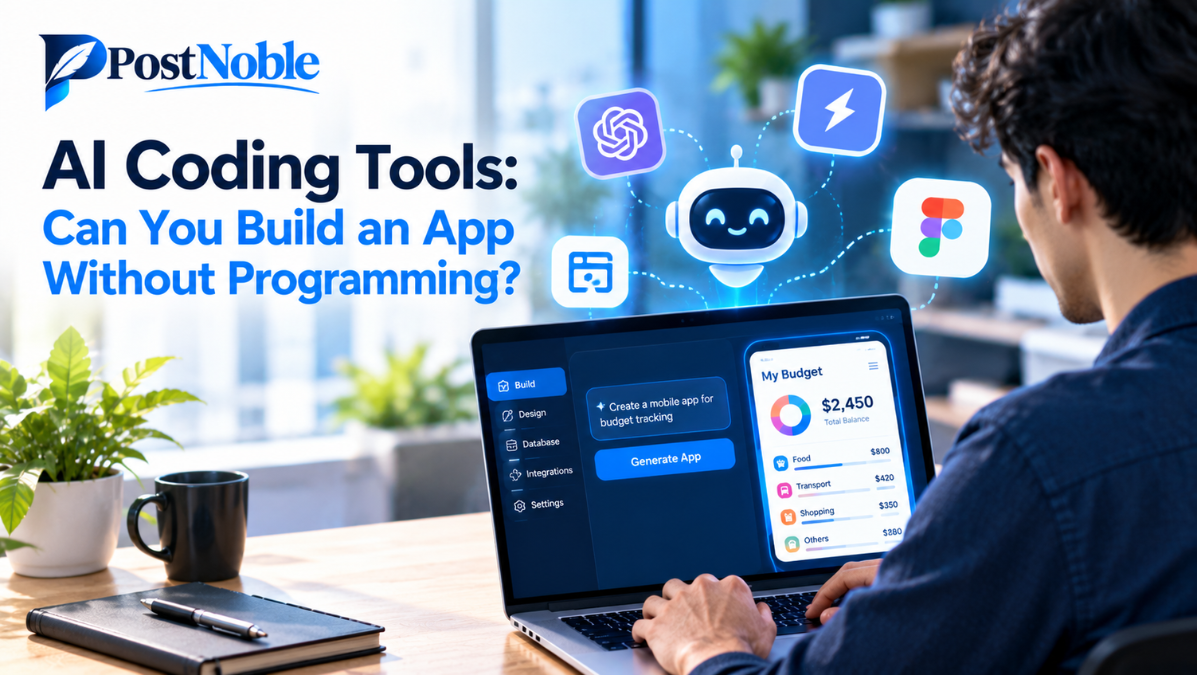
Building an app used to require programming knowledge, technical skills, and sometimes a team of developers. If you wanted to create a website, mobile app, or business tool, you generally needed to understand coding languages and software development. Today, things are changing rapidly. With the help of AI coding tools, beginners can turn their ideas into working applications without writing every line of code themselves.
Artificial intelligence has made app development more accessible to students, entrepreneurs, small business owners, and creators. You can describe what you want to build, generate code, design interfaces, and even identify errors with the assistance of AI. Some platforms also allow you to create applications through visual editors and simple text instructions.
But does this mean anyone can build a complete app without programming? The answer is yes, in many cases, but there are a few important things to understand before getting started.
In this guide, PostNoble explores how AI-powered development works, which tools are worth considering, and what beginners should know before building their first application.
What Are AI Coding Tools?
AI coding tools are software applications that use artificial intelligence to help people write, understand, test, and improve computer code. They can generate code from natural-language instructions, suggest solutions to programming problems, and automate repetitive development tasks.
For example, imagine you want to create a simple expense tracker. Instead of learning an entire programming language first, you could describe your requirements to an AI tool. It might generate a basic interface, create functions for recording expenses, and help you organize the information.
Depending on the platform, you may still need to configure settings, connect a database, or make changes to the generated code.
These tools are especially useful for beginners because they reduce the technical barriers involved in starting a project. Experienced developers also use them to work more efficiently and experiment with ideas.
Can You Build an App Without Coding?
Yes, you can build many types of applications without traditional programming skills. AI app development tools and no-code platforms make it possible to create prototypes, productivity tools, business applications, and simple customer-facing products.
For instance, a small business owner might create an appointment booking system, while a student could develop a personal task manager. An entrepreneur could also build an early version of a business idea to collect feedback before investing in professional development.
However, building an app without coding does not mean building an app without effort.
You still need to explain your idea clearly, decide which features matter, test the results, and fix problems. More advanced applications involving payments, sensitive information, complex integrations, or large numbers of users may require programming knowledge and professional support.
The best approach is to start small and expand your application as your skills and requirements grow.
7 AI Coding Tools to Help You Build an App
Several platforms offer different approaches to AI-assisted development. Some focus on generating complete applications from prompts, while others help developers write and improve code. Here are seven options worth exploring.
1. Replit
Replit is an online development platform that helps users create and run applications in a browser. Its AI features can assist with generating code, building project components, and troubleshooting errors.
Beginners can describe an application idea and use AI assistance to develop an initial version without setting up a complicated development environment.
Best for: Beginners who want to experiment with web apps and gradually learn how software works.
2. Lovable
Lovable helps users build web applications by describing what they want in natural language. It can generate interfaces and application functionality, allowing users to refine their projects through conversational instructions.
This approach can be helpful when you have a clear idea but limited experience with frontend development.
Best for: Entrepreneurs and creators who want to turn an idea into a working web application or prototype.
3. Bolt.new
Bolt.new is an AI-powered development environment designed to generate and modify web applications through prompts. It allows users to experiment with application structures, interfaces, and functionality within a browser-based workflow.
You can request changes to your project and refine the generated result instead of manually creating every component from scratch.
Best for: People who want to build and test web application ideas quickly.
4. Cursor
Cursor is an AI-powered code editor that helps developers understand existing code, generate new functionality, and make changes across a project.
Unlike visual no-code builders, it is more suitable for people who want direct access to the codebase. Beginners can still benefit from its explanations and suggestions, although some technical understanding becomes increasingly valuable as projects grow.
Best for: Learners and developers who want to combine AI assistance with hands-on coding.
5. GitHub Copilot
GitHub Copilot provides AI-powered coding assistance within supported development environments. It can suggest code, help explain programming concepts, and assist with debugging and repetitive development tasks.
It is not simply an app generator. Instead, it works alongside your development process, making it useful when you want to learn programming while building a real project.
Best for: Beginners learning to code and developers looking to improve productivity.
6. Bubble
Bubble is a no-code development platform that lets users create applications using visual design tools and workflow-based logic. Its AI capabilities can help with parts of the application-building process.
Users can design interfaces, define how different actions work, and connect application data without manually writing traditional code for every feature.
Best for: Non-technical founders who want to create interactive web applications.
7. FlutterFlow
FlutterFlow is a visual application development platform for building mobile and web applications. It offers drag-and-drop interface design and development features that can reduce the amount of manual coding required.
It can be useful for people who want to create mobile app experiences while retaining options for more advanced customization.
Best for: Beginners and creators interested in developing mobile applications with a visual workflow.
These tools are not interchangeable. Some prioritize visual building, while others provide more control over code. Before choosing one, consider your app type, budget, technical comfort, and whether you need to export or maintain the underlying code.
How to Build Your First App Using AI
If you are new to app development, following a simple process can make your first project much easier to manage.
Step 1: Choose a Simple Idea
Start with a problem you understand. A daily task tracker, personal budget planner, recipe organizer, or appointment scheduler can be a practical first project.
Avoid starting with a complicated social network or a large e-commerce platform. Smaller projects are easier to test and improve.
Step 2: Write a Clear Prompt
Explain what the app should do, who will use it, and which features are essential.
For example, you could ask an AI builder to create a task management app with a clean interface, the ability to add and delete tasks, completion checkboxes, and a filter for completed activities.
Clear instructions generally produce more useful results than vague requests.
Step 3: Select the Right Platform
Choose a tool based on your requirements. A visual builder may be suitable for a business application, while a prompt-based coding environment may be better for a customized web project.
Check whether the platform supports your required features, hosting options, integrations, and pricing.
Step 4: Generate and Customize the App
Let the tool create an initial version. Review its layout and functionality, then request specific changes.
Instead of asking the AI to improve everything at once, make small adjustments. For example, improve the navigation first, then update the form, and finally refine the color scheme.
Step 5: Test Every Important Feature
Try the application as if you were a real user. Check buttons, forms, navigation, saved data, and error messages.
Do not assume that generated code is automatically correct or secure. Test the app on different screen sizes and verify that important functions behave as expected.
Step 6: Publish and Improve
Once the application works properly, follow the platform's deployment instructions to make it available to users.
After launch, collect feedback, fix problems, and add features gradually. If your app handles payments or personal information, review security, privacy, and applicable legal requirements before releasing it publicly.
Benefits and Limitations of AI App Development Tools
AI coding tools can reduce development time, lower the barrier to experimentation, and help beginners learn by doing. They can also make it easier to create prototypes without hiring a full development team immediately.
However, there are limitations. AI-generated code may contain errors, overlook unusual situations, or introduce security weaknesses. Some no-code platforms also have restrictions on customization, integrations, hosting, or exporting projects.
Pricing is another consideration. A platform may offer free access for experimentation but charge for advanced features, additional usage, deployment, or production capacity.
For these reasons, treat AI as a development assistant rather than a guarantee of a finished product. The more important your application becomes, the more carefully you should test and review it.
Final Thoughts
So, can you build an app without programming? Absolutely. Modern AI coding tools and visual development platforms make it possible to create useful applications with little or no traditional coding experience.
The key is choosing a manageable project, selecting a platform that matches your needs, and testing the application before sharing it with others. You do not have to become an expert programmer before getting started, but learning basic concepts can help you make better decisions as your app becomes more complex.
At PostNoble, we believe AI is making technology more accessible to people with ideas worth exploring. Start with one simple application, learn from the process, and build on your progress. Your first project does not need to be perfect; it needs to be a useful starting point.