How to Create AI Videos for Free in 2026
Discover how to create AI videos for free in 2026 using easy-to-use AI video creation tools. Explore free AI video generators to turn your ideas, text, and images into engaging videos.
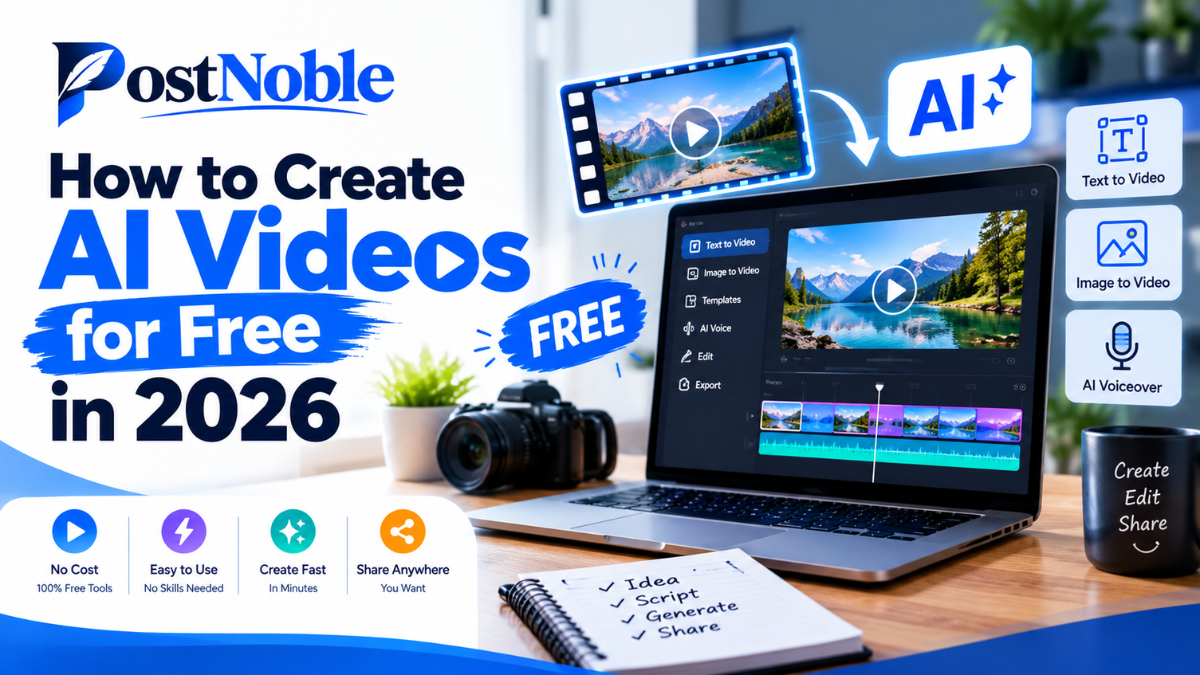
Creating videos used to require expensive software, editing experience, and hours of work. In 2026, things are much easier. With artificial intelligence, you can turn a simple text prompt, an image, or a short script into an engaging video without being a professional editor.
Whether you want to create YouTube Shorts, Instagram Reels, educational videos, or promotional content for your business, AI-powered tools can help you get started with little or no upfront investment.
The best part is that you do not always need a paid subscription. Several platforms offer free plans, limited credits, or basic editing features that are enough for beginners to experiment with video creation.
In this guide, PostNoble explains how to create AI videos for free, which tools you can try, and how to produce videos that look natural and engaging.
What Is AI Video Creation?
AI video creation is the process of using artificial intelligence to generate or edit videos from text, images, audio, or other digital content. Instead of recording every scene yourself, you can describe what you want and let an AI tool generate the visuals.
For example, you could enter a prompt such as, "A peaceful mountain village at sunrise, with mist covering the hills and warm golden sunlight." Depending on the platform, the tool may generate a short video clip based on that description.
Some tools can also create videos from existing images, generate voiceovers, add subtitles, or turn written scripts into videos with stock footage.
These features make AI video creation useful for content creators, students, marketers, educators, and small businesses.
How to Create AI Videos for Free: Step-by-Step Guide
You do not need advanced technical skills to get started. Follow these simple steps to create your first AI-generated video.
Step 1: Decide What Type of Video You Want
Start with a clear idea. Think about the purpose of your video and where you plan to publish it.
For example, you might want to create:
- Short educational videos for social media.
- Product demonstrations for an online business.
- Animated storytelling videos.
- Travel videos using AI-generated scenery.
- Motivational videos with narration and subtitles.
Choosing a specific format makes it easier to select the right tool and write a suitable prompt.
Step 2: Write a Clear Script or Prompt
Your instructions have a significant impact on the final result. Instead of entering a vague request such as "make a nature video," describe the setting, movement, lighting, mood, and visual style.
For example:
"Create a cinematic video of a quiet forest in the early morning. Soft sunlight passes through tall trees, leaves move gently in the breeze, and a narrow path leads into the distance. Use realistic details and smooth camera movement."
If you are creating an educational video, prepare a short script with an introduction, a few key points, and a conclusion. A clear script helps you maintain a consistent message.
Step 3: Choose a Free AI Video Generator
Look for a platform that supports the type of video you want to make. Some tools specialize in text-to-video generation, while others focus on talking avatars, templates, or editing existing footage.
Before signing up, check whether the free plan includes video exports, watermarks, commercial-use permissions, and enough credits for your project.
Step 4: Generate Your Video
Enter your prompt or upload an image, depending on the tool. Choose the available video settings, such as aspect ratio, duration, or visual style.
The platform will process your request and generate a video clip. The first result might not match your expectations exactly, so try adjusting the prompt or simplifying the scene.
For example, asking for one person walking through a garden may produce a more consistent result than asking for several people performing complicated actions in a crowded environment.
Step 5: Edit and Improve the Result
AI-generated footage is only one part of a finished video. You may still need to trim clips, arrange scenes, add background music, record a voiceover, or include subtitles.
Keep your editing simple, especially when creating short-form content. Make sure the opening seconds capture attention and that the visuals support the message.
Step 6: Export and Publish
Select the appropriate format for your platform. Vertical videos are generally suitable for Reels, Shorts, and TikTok, while horizontal videos are commonly used for traditional YouTube videos and presentations.
Preview the final version before publishing. Check spelling, audio levels, transitions, and any visible AI-generated errors.
Remember that a free plan may limit resolution, clip duration, exports, or the number of generations you can create.
7 Free AI Video Generators to Try in 2026
If you are exploring AI video creation tools, these seven options are worth considering. Their free access and feature limits can change, so check the current terms before starting a project.
1. CapCut
CapCut is a popular choice for beginners who want to edit short videos for social media. Depending on regional availability and the current plan, its features may include AI-assisted editing, automatic captions, text-to-speech, templates, and other time-saving tools.
It is particularly useful when you already have video clips or images and want to turn them into polished social media content.
Best for: Reels, Shorts, captions, and quick video editing.
2. Canva
Canva makes it easy to create videos using templates, graphics, animations, and text. Its AI-powered features can help with parts of the creative process, although access to specific tools may depend on your plan.
It is a practical option for people creating presentations, marketing videos, or branded content without learning complicated editing software.
Best for: Business videos, presentations, and branded social media posts.
3. InVideo AI
InVideo AI helps users turn written prompts or scripts into video projects. Depending on available features, it can assist with scenes, stock media, narration, and editing.
It can be helpful when you want to create an explainer video without collecting every visual asset manually. Review its current free-plan limits before exporting.
Best for: Explainer videos, YouTube content, and script-based projects.
4. Pika
Pika focuses on AI-generated video and creative visual effects. Users can explore ways to animate ideas and create short clips from text or images, depending on the features currently available.
It may suit creators who want imaginative visuals rather than conventional template-based videos.
Best for: Creative clips, visual experiments, and short AI animations.
5. Runway
Runway offers AI-powered video generation and editing capabilities designed for creative workflows. Depending on current access and plan limits, users may be able to test selected features with limited credits.
It is worth exploring if you want greater creative control over generated footage or want to experiment with cinematic visual ideas.
Best for: Creative projects and cinematic AI-generated clips.
6. VEED
VEED is an online video editing platform with AI-assisted features for tasks such as subtitles, transcription, and voice-related workflows. Some features may be available on a limited free plan.
It is useful when you want to combine AI assistance with a browser-based editing process instead of installing desktop software.
Best for: Subtitles, talking-head videos, and online editing.
7. Adobe Express
Adobe Express helps users create and edit visual content using templates, design features, and selected AI-powered capabilities. Available video features and usage limits depend on the current plan.
It can be a good starting point for creating simple promotional videos that match your business branding.
Best for: Marketing content, promotional videos, and branded designs.
Tips for Getting Better Results from Free AI Video Tools
Choosing a tool is only the beginning. A few practical habits can improve your results without increasing your budget.
- Keep prompts specific: Describe the subject, environment, lighting, and movement instead of using broad instructions.
- Start with short clips: Short scenes are easier to test, refine, and combine into a longer video.
- Use a consistent style: Keep characters, colors, and visual descriptions similar across scenes.
- Add captions: Subtitles can make videos easier to follow, particularly when people watch without sound.
- Check every scene: AI tools may generate unusual hands, distorted objects, inconsistent faces, or incorrect text.
- Plan your credits: Test prompts before generating multiple versions, since free credits may be limited.
- Review usage rights: Confirm whether your chosen tool allows commercial use and whether attribution is required.
These small improvements can make a video feel more professional, even when you are using free resources.
Are Free AI Video Generators Good Enough for Professional Content?
Free AI video generators can be useful for testing ideas, creating social media clips, producing educational content, and preparing early marketing drafts. They can also help small businesses reduce the time spent on repetitive creative tasks.
However, free versions may include watermarks, lower export quality, restricted generation credits, shorter clips, or limited commercial permissions. AI-generated footage may also require manual editing to correct visual inconsistencies.
For professional projects, focus on the final result rather than assuming that the most advanced tool is always the best choice. A clear message, good pacing, readable captions, and appropriate audio can matter more than complex effects.
If a free tool meets your quality and licensing requirements, there is no need to upgrade immediately.
Common Mistakes to Avoid When Creating AI Videos
Beginners sometimes expect AI to produce a complete, publish-ready video from a single prompt. In reality, most projects benefit from planning and review.
Avoid writing overly complicated prompts, using unrelated scenes, ignoring audio quality, or publishing generated footage without checking it. You should also avoid using copyrighted music, recognizable characters, or someone else's likeness without the necessary rights or permission.
Another common mistake is subscribing to several platforms before testing them. Start with one tool that matches your needs, learn its features, and explore alternatives only when you encounter a specific limitation.
Conclusion
Learning how to create AI videos for free in 2026 is easier than ever, even if you have never edited a video before. With the right prompt, a suitable platform, and a little manual editing, you can create engaging content for social media, education, marketing, and personal projects.
Start by choosing a simple idea, testing one of the free AI video generators, and improving the output step by step. Pay attention to free-plan restrictions, export quality, and usage rights before publishing.
At PostNoble, the goal is to help readers understand emerging technology and use it practically. You do not need an expensive setup to begin experimenting with AI videos. Start small, learn what works, and build your skills with every project.