AI Deepfakes: How to Detect Fake Images, Videos, and Voices
Learn how to detect AI deepfakes in images, videos, and voices. Discover common warning signs, useful detection tools, and practical tips to identify fake videos and protect yourself from digital deception.
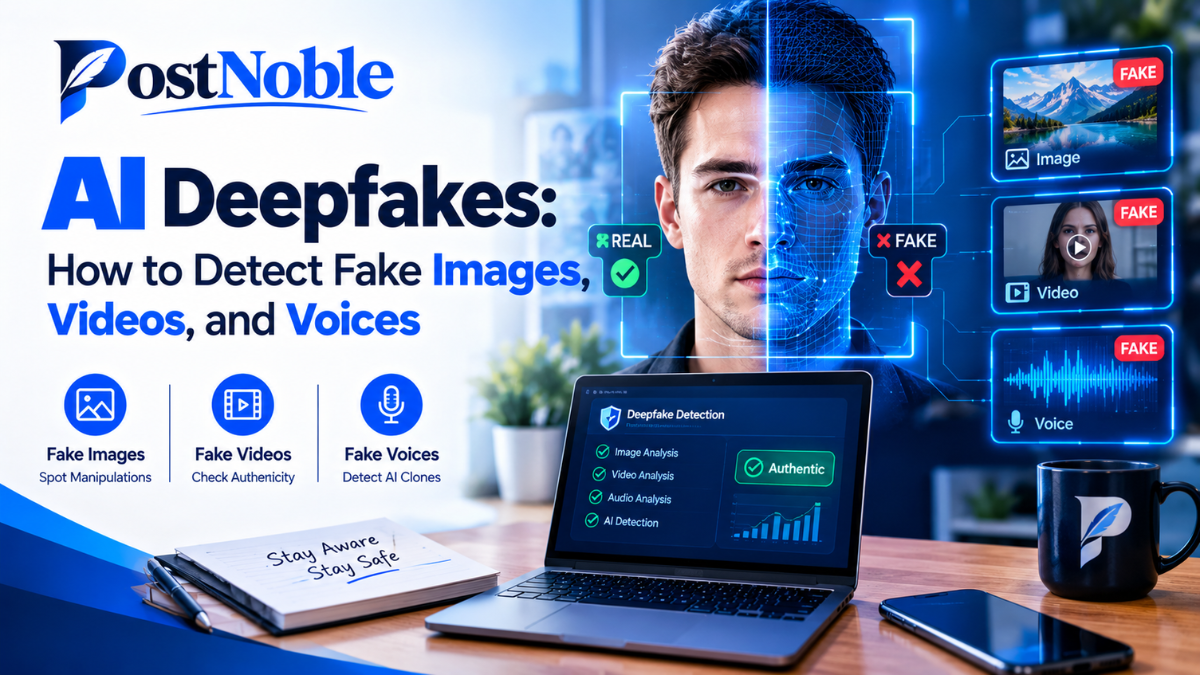
Artificial intelligence has made it easier than ever to create realistic images, videos, and voice recordings. While these technologies can be useful for entertainment, education, and creative projects, they can also be misused to spread misinformation, impersonate people, and commit online scams.
Imagine receiving a video of a public figure announcing something shocking or hearing a voice message that sounds exactly like someone in your family asking for money. Would you immediately believe it? Not necessarily. With modern AI tools, even convincing digital content can be fabricated.
Understanding how to detect AI deepfakes is becoming an important digital skill for everyone who uses the internet. The good news is that you do not need to be a technology expert to recognize potential warning signs. A few practical checks, reliable detection tools, and a careful approach can help you make better decisions.
In this guide, PostNoble explains how AI deepfakes work, how to identify suspicious images, videos, and voices, and which tools can help you verify digital content.
What Are AI Deepfakes?
AI deepfakes are synthetic or manipulated images, videos, or audio recordings created using artificial intelligence. These technologies can change a person's face, imitate their voice, or generate realistic scenes that never happened.
For example, someone could create a video that makes a person appear to say something they never said. Another person might use an AI-generated voice to imitate a relative or business executive.
Deepfakes are not always created with harmful intentions. Filmmakers, content creators, and educators may use similar technology for legitimate purposes. However, problems arise when fabricated content is presented as genuine.
Some common examples include:
- Fake celebrity endorsements promoting suspicious products.
- Manipulated videos designed to damage someone's reputation.
- AI-generated voices used in impersonation scams.
- Fake images shared as evidence of an event that never occurred.
- Misleading recordings intended to influence public opinion.
Recognizing these possibilities is the first step toward protecting yourself from digital deception.
How to Detect AI Deepfakes: 7 Practical Ways
Learning how to identify suspicious content does not require expensive software or advanced technical knowledge. Start with these seven practical methods whenever an image, video, or voice recording seems unusual.
1. Look for Unnatural Facial Details
AI-generated images and videos can sometimes contain small visual inconsistencies. Pay attention to the eyes, teeth, skin texture, hair, and facial boundaries.
For example, a person's face might appear unusually smooth, or their facial features may look slightly distorted during movement. Earrings, glasses, or hair strands may also change shape unexpectedly.
However, modern AI systems can produce highly realistic faces, so the absence of these issues does not prove that content is authentic.
Tip: Examine the image closely, but avoid relying on a single visual clue to make your decision.
2. Check Lip Movements and Facial Expressions
When learning how to identify fake videos, compare the speaker's mouth movements with the words being spoken.
In some manipulated videos, lip movements may not perfectly match the audio. Facial expressions can also appear unnatural, particularly during quick head movements or changes in lighting.
Watch for other inconsistencies, such as a face that seems disconnected from the neck or a person whose appearance changes between frames.
Remember that video compression, poor internet connections, and low recording quality can also create strange visual effects. Look for multiple warning signs rather than assuming every unusual movement indicates a deepfake.
3. Listen Carefully to the Voice
AI voice-cloning technology can reproduce a person's tone, accent, and speaking style with surprising accuracy. This makes audio deepfakes particularly challenging to recognize.
Still, some recordings contain clues that deserve attention. You might notice unnatural pauses, inconsistent pronunciation, unusual breathing patterns, or a voice that sounds slightly different from the person's usual speech.
Be especially cautious if a familiar voice suddenly requests urgent financial assistance, passwords, verification codes, or confidential business information.
The safest approach is to verify the request through another communication channel. Call the person using a number you already trust instead of relying on the suspicious recording.
4. Verify the Original Source
Before sharing an emotional or shocking image or video, investigate where it came from.
Check whether the content was published by a credible news organization, an official account, or a reliable source with a clear history. Look for the original upload instead of depending entirely on reposts or screenshots.
You can also search for the same claim using different keywords. If a dramatic video appears only on unfamiliar accounts and has no credible supporting information, treat it cautiously.
An authentic-looking video is not automatically reliable evidence. Real footage can also be edited, taken out of context, or paired with misleading captions.
5. Use Reverse Image Search
Reverse image search can help you discover whether a photograph has appeared elsewhere online.
Upload an image to a reverse image search service or search using an available image URL. The results may reveal earlier versions, related photographs, or the original context in which the image appeared.
This is especially useful when someone shares a picture claiming it shows a recent event.
For example, an old photograph might be circulated with a new caption to suggest that something happened today. Finding an earlier publication can help expose the misleading context.
Reverse image search cannot always identify AI-generated images, but it can provide useful evidence when checking authenticity.
6. Examine the Background and Lighting
Do not focus only on the person in an image or video. The surrounding environment may reveal inconsistencies.
Check whether shadows match the apparent light source, reflections look natural, and objects maintain consistent shapes. Background text, fingers, jewelry, and small objects can sometimes contain visual errors in AI-generated material.
In videos, look for changes between frames that seem physically impossible or unrelated to the person's movement.
These clues are becoming less reliable as generative AI improves. A realistic background does not guarantee authenticity, and a strange-looking background does not necessarily mean an image is fake.
7. Cross-Check Important Claims Before Acting
The most effective way to avoid deepfake-related mistakes is to combine observation with independent verification.
If a video claims that a company has announced a major change, check its official website or verified communication channels. If a voice recording requests money, confirm the request directly with the supposed sender.
For important public claims, compare reports from multiple reputable sources.
This final step matters because deepfake detection is not simply about identifying technical imperfections. It is also about checking whether the information makes sense and whether reliable evidence supports it.
AI Deepfake Detection Tools You Can Try
Several online services and software tools can help people investigate suspicious digital content. Their capabilities vary, and none should be treated as a perfect authenticity checker.
Here are five options worth exploring:
- Google Lens: Useful for reverse image searches and finding visually similar images or related webpages. It can help investigate an image's history, although it is not a dedicated deepfake detector.
- Microsoft Video Authenticator: Microsoft introduced this tool to analyze images and videos for signs of manipulation. Availability and access may be limited, so check current official information before relying on it.
- Hive Moderation: Offers AI-content detection capabilities for supported media types. Results depend on the content and the detector's current capabilities.
- Reality Defender: Provides deepfake detection technology intended to help organizations assess potentially manipulated audio, video, and other media, depending on the service.
- InVID-WeVerify: Provides verification tools that can help journalists and other users investigate online videos and images, including keyframe extraction and reverse image search workflows.
These AI deepfake detection tools serve different purposes. Some focus on identifying synthetic content, while others help establish the origin and context of media.
Before uploading private recordings or sensitive images to any online service, review its privacy policy and data-handling practices. For important decisions, combine automated analysis with independent verification.
Why AI Deepfakes Are Becoming Harder to Detect
Earlier AI-generated content often contained obvious errors, such as distorted fingers, strange facial movements, or unnatural speech. Newer systems can produce far more convincing results, reducing the reliability of these traditional clues.
Deepfake creators may also combine authentic footage with manipulated audio or altered images. As a result, one part of a recording can be genuine while another part is misleading.
Detection tools face their own limitations. A system might incorrectly flag authentic content or fail to identify a sophisticated fake. Video compression, background noise, editing, and unfamiliar generation methods can affect results.
For these reasons, no single visual clue, online detector, or technical test should be considered definitive proof that a recording is real or fake.
How to Protect Yourself From Deepfake Scams
A few simple habits can reduce your exposure to deepfake-related fraud and misinformation.
- Verify urgent requests: Confirm unusual financial or sensitive requests through a trusted, separate channel.
- Protect personal information: Avoid sharing passwords, banking details, or verification codes in response to suspicious messages.
- Be careful with viral content: Investigate shocking claims before forwarding them to friends or posting them on social media.
- Use account security features: Enable multifactor authentication and secure important online accounts.
- Establish family verification practices: Agree on a simple way to confirm emergencies or unusual money requests.
- Report suspicious content: Use the platform's reporting options when you encounter suspected impersonation, fraud, or manipulated media.
These precautions are useful even when you cannot determine whether a particular recording was generated by AI.
Final Thoughts
Knowing how to detect AI deepfakes is an increasingly valuable skill in a world where digital content can be created or manipulated with relatively little effort.
Unnatural facial details, mismatched lip movements, suspicious voice recordings, and inconsistent backgrounds can provide useful clues. Reverse image searches, verification tools, and trustworthy sources can offer additional evidence.
However, the most important lesson is simple: do not trust or reject digital content based on appearance alone. Check its source, verify important claims independently, and pause before acting on urgent requests.
At PostNoble, we believe that understanding emerging technology helps people use the internet more confidently and responsibly. As AI continues to evolve, combining digital awareness with careful verification will remain one of the most practical ways to protect yourself from online deception.