
Local AI vs Cloud AI: Which Is Better for Privacy and Performance?
Local AI vs cloud AI: Discover the key differences in privacy, speed, and efficiency. Learn how local AI protects your data and how cloud AI delivers powerful computing capabilities.
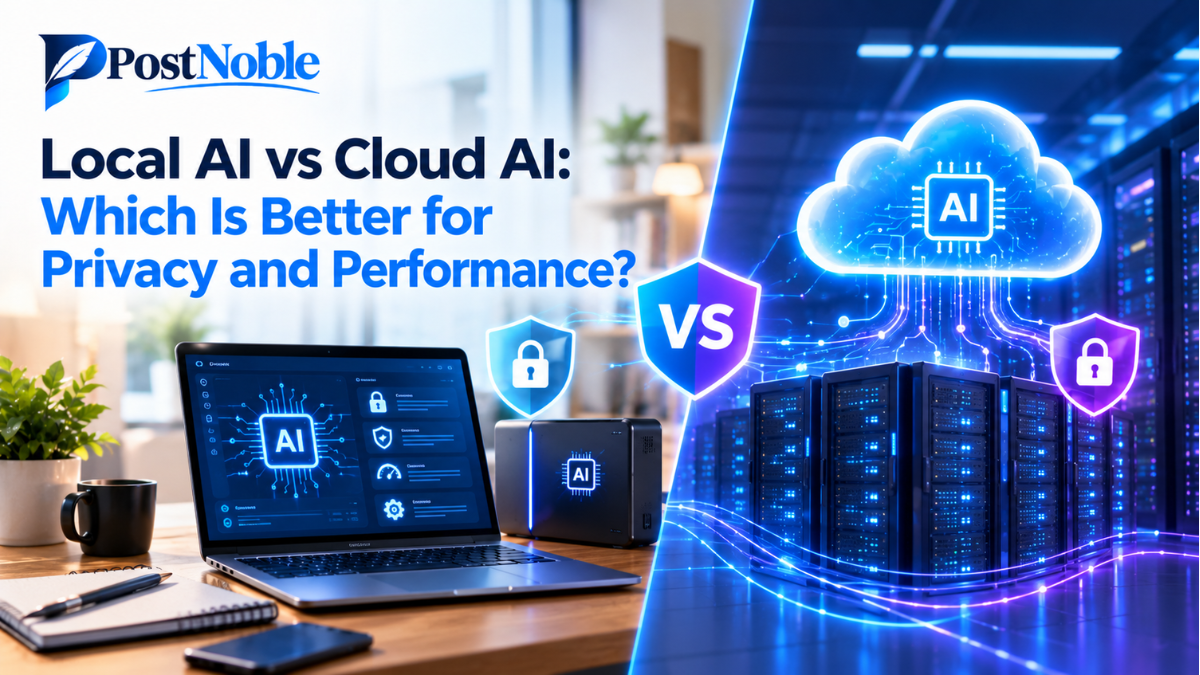
Artificial intelligence is becoming a regular part of our daily lives. From writing emails and creating content to analyzing business data and automating repetitive tasks, AI tools are helping people work faster and smarter. However, as these tools become more popular, one important question comes up: where should AI actually run — on your own device or through the cloud?
Understanding local AI vs cloud AI can help you choose the right solution for your privacy, performance, and budget. Both options have unique advantages, but the best choice depends on how you plan to use AI and how much control you want over your data.
In this guide, PostNoble explores how local and cloud AI work, their key differences, and which option may be better for different users.
What Is Local AI?
Local AI refers to artificial intelligence models that run directly on your personal computer, laptop, smartphone, or another device. Instead of sending every request to a remote server, your device processes the information using its own computing resources.
For example, you might use a locally installed AI model to summarize documents, generate ideas, or answer questions without sending the contents of those documents to an external AI service.
Local AI has become more accessible as computer hardware improves and developers create smaller, more efficient AI models. Some tools can now run on everyday computers, although larger models may require powerful processors, sufficient memory, or a dedicated graphics card.
One of the biggest attractions of local AI is control. Users can decide which models to install, how to configure them, and what information stays on their devices.
What Is Cloud AI?
Cloud AI runs on remote servers managed by an AI provider or cloud computing company. Users access these systems through websites, applications, or APIs, while the provider handles the computing work behind the scenes.
Popular AI assistants and online content-generation tools often use this approach. When you enter a question, your request travels to the provider's servers, where the model processes it and returns a response.
Cloud AI can support demanding tasks because providers operate powerful computing infrastructure. They can also update models and introduce new features without requiring users to install everything locally.
For individuals and businesses that want advanced AI capabilities without investing in expensive hardware, cloud-based tools can be a convenient starting point.
Local AI vs Cloud AI: Key Differences
The main difference between local and cloud AI is where the processing happens. However, that difference affects several other factors, including privacy, speed, cost, and accessibility.
Here are the most important areas to consider when comparing the two options.
1. Privacy and Data Security
Privacy is one of the strongest reasons people consider local AI.
When a model runs entirely on your device, your prompts and documents can remain local. This can be especially useful when working with confidential business information, personal notes, internal reports, or sensitive research.
These local AI privacy benefits depend on how the software is configured. A locally installed tool may still send telemetry, download updates, or connect to external services. Users should check the application's settings and network behavior before assuming that all information stays private.
Cloud AI can also provide strong security features, including encryption, access controls, and enterprise data protection options. However, the handling and retention of submitted information depend on the provider's policies and the specific plan being used.
Which is better? Local AI can offer greater control over data exposure, while carefully selected cloud services may be appropriate for organizations with established security and compliance requirements.
2. Speed and Performance
Performance depends on the model, hardware, internet connection, and complexity of the task.
Local AI can respond quickly when the device has enough computing power. Since requests do not need to travel to a remote server, local processing can reduce network delays. It can also continue working when the internet is unavailable.
However, a laptop with limited memory may struggle with larger models or demanding tasks. Processing may become slow, and running AI applications can consume battery power and system resources.
Cloud AI performance can be impressive because providers use specialized hardware and large-scale computing infrastructure. This makes cloud services suitable for complex reasoning, large workloads, and tasks that exceed the capabilities of an ordinary personal computer.
At the same time, internet connectivity, server demand, and provider limits can affect response times.
In short, cloud AI performance often benefits from powerful remote infrastructure, while local AI offers predictable access without depending on a continuous internet connection.
3. Cost and Affordability
Local AI may reduce recurring subscription expenses, particularly for people who use AI frequently. Many models and tools are available without a usage fee, although some require paid software or commercial licenses.
The main cost is often the hardware. Running advanced models may require upgrading your computer's RAM, processor, storage, or graphics card. Electricity consumption and maintenance can also add to the overall expense.
Cloud AI typically requires less upfront investment. Many providers offer free access, affordable subscriptions, or usage-based pricing. Users can access powerful models without purchasing expensive hardware.
However, costs may increase when usage becomes heavy or API requests are frequent.
The better financial choice depends on your workload. Occasional users may find cloud subscriptions more economical, while frequent users with suitable hardware may benefit from local processing.
4. Internet Access and Reliability
Local AI has a clear advantage when offline access matters. Once the model and required software are installed, many tasks can be completed without an internet connection.
This can help people working while traveling, operating in areas with unreliable connectivity, or handling information in restricted environments.
Cloud AI generally requires an internet connection to communicate with remote servers. If your connection becomes unstable or the provider experiences an outage, access may be interrupted.
Some applications combine local processing with cloud services, allowing basic tasks to work offline while advanced features remain available online.
5. Model Capabilities and Updates
Cloud AI providers can offer access to advanced models that require significant computing resources. They can also introduce new features, improve performance, and update their systems without asking users to manage the underlying infrastructure.
Local AI gives users more freedom to select and configure models. Open-weight models, for example, can provide flexibility for experimentation, customization, and specialized workflows, subject to their individual licenses.
However, installing and maintaining local models requires some technical knowledge. Users may need to manage downloads, compatibility, updates, and performance settings.
Cloud tools are generally easier for beginners, while local AI can appeal to users who prefer greater technical control.
Which Is Better: Local AI or Cloud AI?
There is no single winner for every situation. The right option depends on what matters most to you.
- Choose local AI if privacy, offline access, data control, and customization are your main priorities, and your device can run the model effectively.
- Choose cloud AI if you need powerful models, easy setup, scalable computing, and access to features without upgrading your hardware.
- Consider a hybrid approach if you want to keep sensitive tasks local while using cloud AI for complex work that requires additional computing power.
For example, a freelance writer might use local AI to organize private notes and a cloud assistant to brainstorm broader content ideas. A small business could process confidential internal documents locally while using cloud-based tools for general customer support drafts.
This flexible approach can help users balance privacy, convenience, and performance rather than committing entirely to one option.
How to Choose the Right AI Setup
Before selecting a tool, consider these practical questions:
- What information will you process? If your work involves confidential records, investigate local options or cloud services with suitable privacy protections.
- How powerful is your device? Check the model's memory and hardware requirements before installing it.
- How often will you use AI? Compare hardware investment with subscriptions and usage-based fees.
- Do you need offline access? Local AI is useful when a reliable internet connection is not always available.
- What level of technical knowledge do you have? Cloud tools usually offer a simpler setup, while local systems may require additional configuration.
Testing a small number of tools with realistic tasks can help you understand the trade-offs before making a long-term decision.
Conclusion
The debate around local AI vs cloud AI is not simply about choosing between privacy and performance. Both approaches can deliver useful results, but they solve different problems.
Local AI gives users greater control over processing, supports offline work, and can help keep sensitive information on their own devices. Cloud AI provides convenient access to powerful models, reduces hardware requirements, and makes advanced capabilities easier to scale.
For many people, the best solution may be a combination of both. By evaluating your privacy requirements, workload, budget, and technical resources, you can choose an AI setup that fits the way you actually work.
At PostNoble, we believe that understanding emerging technology helps people make more informed decisions. As AI tools continue to evolve, knowing when to use local processing and when to rely on the cloud will become an increasingly valuable skill.